Start with your server.
Keep your NAS, home lab and project archives where they belong.
HOME FIBRE. SERIOUS SPEED.
Dedicated fibre links from your home server
to your study, office or garden studio.
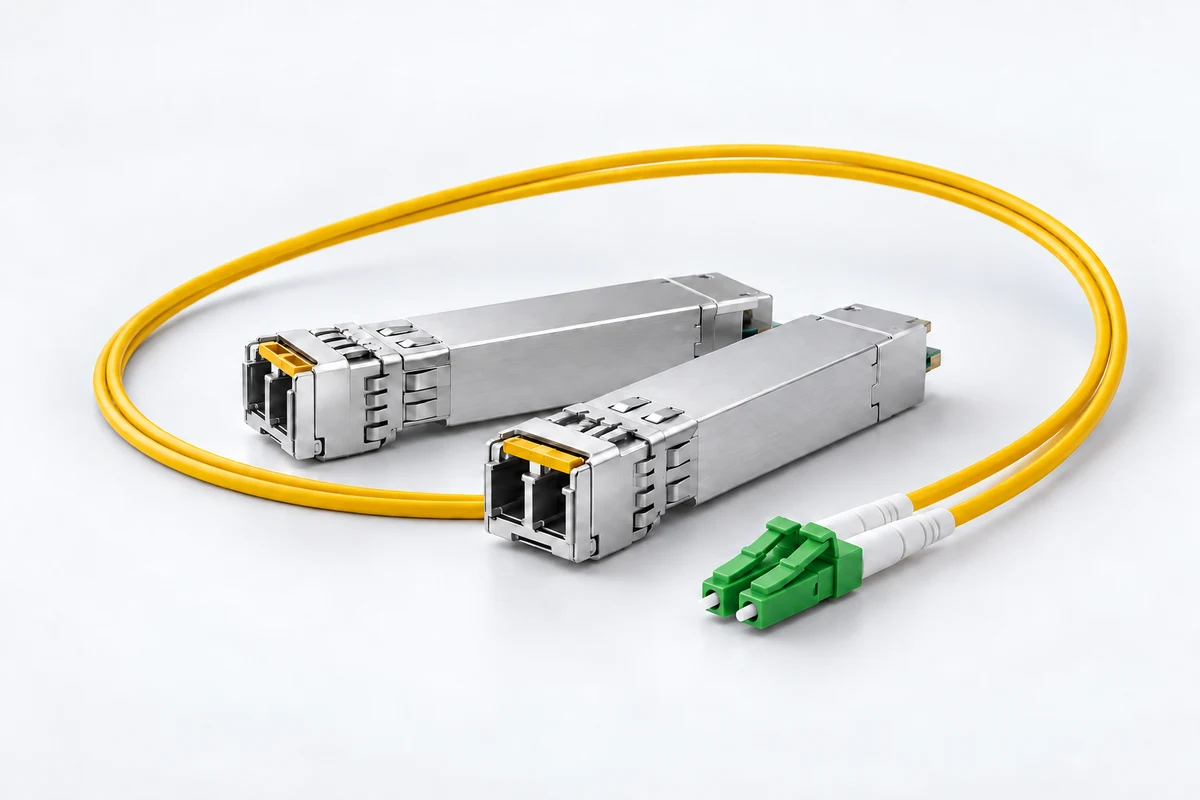
FROM SERVER TO STUDY
Your files belong wherever you work. Dedicated fibre brings your home server and workspace onto one fast, wired local network.
Keep your NAS, home lab and project archives where they belong.
Dedicated fibre links your spaces without competing for Wi-Fi airtime.
Bring shared storage and demanding file work to your home study.
Illustrative local network. Cable routes and compatible equipment assessed for your installation.
LESS TIME COPYING. MORE TIME DOING.
Video projects. Photo libraries. Entire backups.
See what faster local links could mean for your files.
Illustrative minimum times: decimal file size × 8 ÷ link rate. Real transfers take longer. Storage, hardware, protocols and workload affect throughput. Compatible equipment required at both ends. Local fibre links don’t change your broadband speed.
BUILT AROUND YOUR WORK
Bring shared storage closer to your editing desk. Move large footage, image libraries and project archives across your local network.
Connect your study to servers, NAS and backup storage. Build your network around how you actually use your data.
Link separate workspaces with suitable fibre routes, cable protection and building entry points. Your office can be outside. Your network can stay connected.
THOUGHT THROUGH. END TO END.
Every installation starts with your space, your equipment and what you need to move.
Your server, workspace, distance and file needs.
Assess cable routes, matching optics, hardware and installation scope.
Install your link and test it with your equipment and workflow.
GOOD QUESTIONS. CLEAR ANSWERS.
Fibre between your server and workspace improves your local network. Internet speeds still depend on your broadband service.
Possibly. Both ends need compatible network interfaces and optics, plus switches where needed. Your storage and computer must also support your target performance.
Suitable routes, outdoor cable protection and building entry points need checking first. Share your layout so those details can be assessed.
Cost depends on cable distance, access, building work, target speed and equipment. Send your project details so installation scope can be assessed before quoting.
YOUR NEXT BIG MOVE
Tell Henry about your server, your space and your ambition. Let’s plan your fibre connection.
From first idea to final link.
YOUR NEXT CONNECTION
Share your project with Henry.
We’ll take it from here.
Enquiry sent to Henry.
We’ll reply using your contact details.